

Your User Profile
My Events
The My Events section lists all the events you have set up through Raumsonde – past, present, and future. You can open any event to view its Application Dashboard, continue preparing applications, adjust details, or update permit statuses.
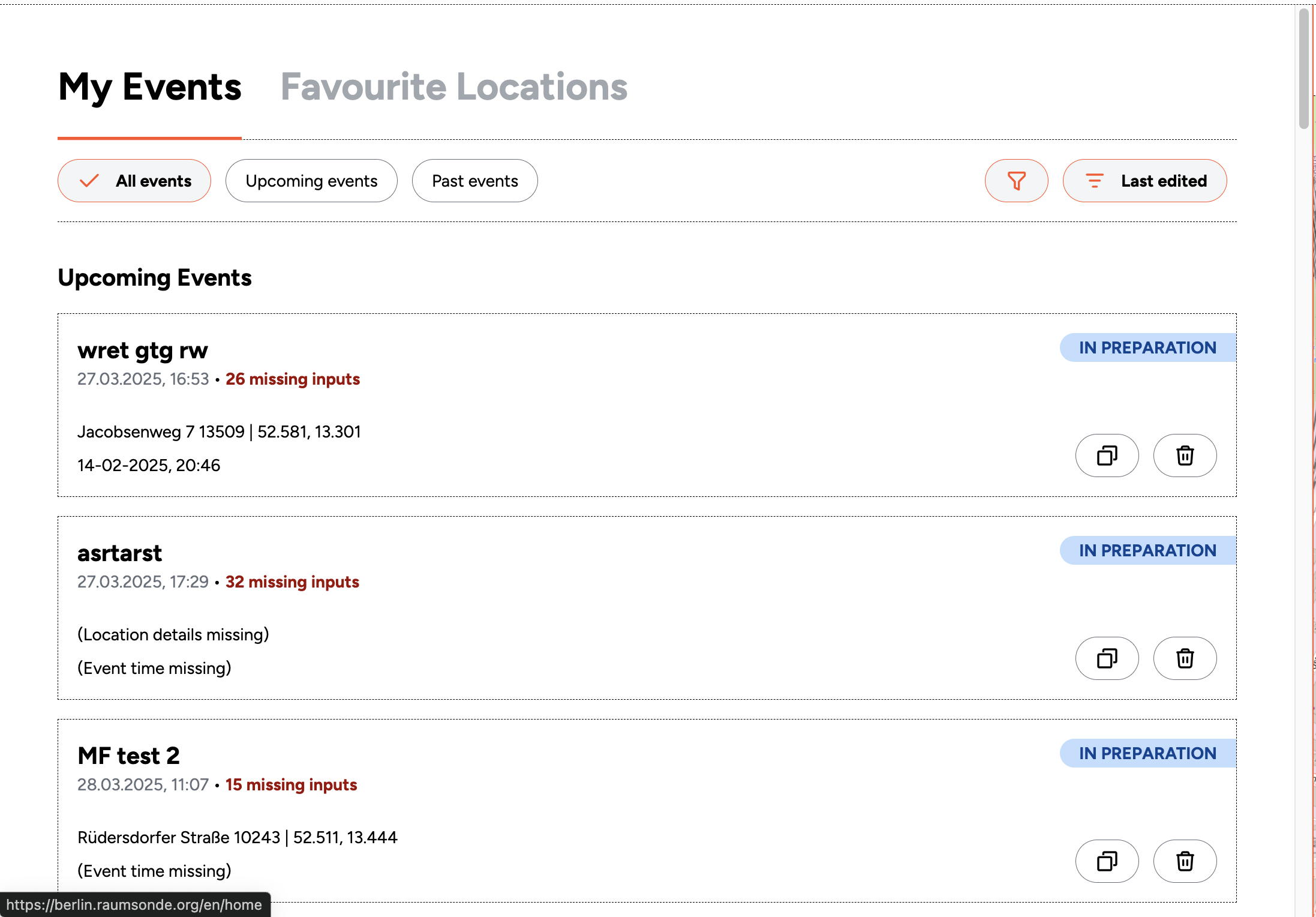
All inputs from the five-step procedure are saved automatically in your user area and can be modified at any time. You can also save different versions of an event under different names using the duplication function. This allows you to explore different configurations – for example, testing how a change in location or event size might affect the permits required – and progressively refine your plans based on discussions with your team, partners, and the relevant authorities. Previously completed applications are also stored in your profile. If you organise a repeating event, you can duplicate a past application and adjust the details as needed. This saves preparation time and, by building on a previously successful submission, can help improve the quality of your applications.
My Favourite Locations
The My Favourite Locations section shows all the locations you have saved on the map of Berlin. You can browse your favourites to find a suitable site for the event you are planning.
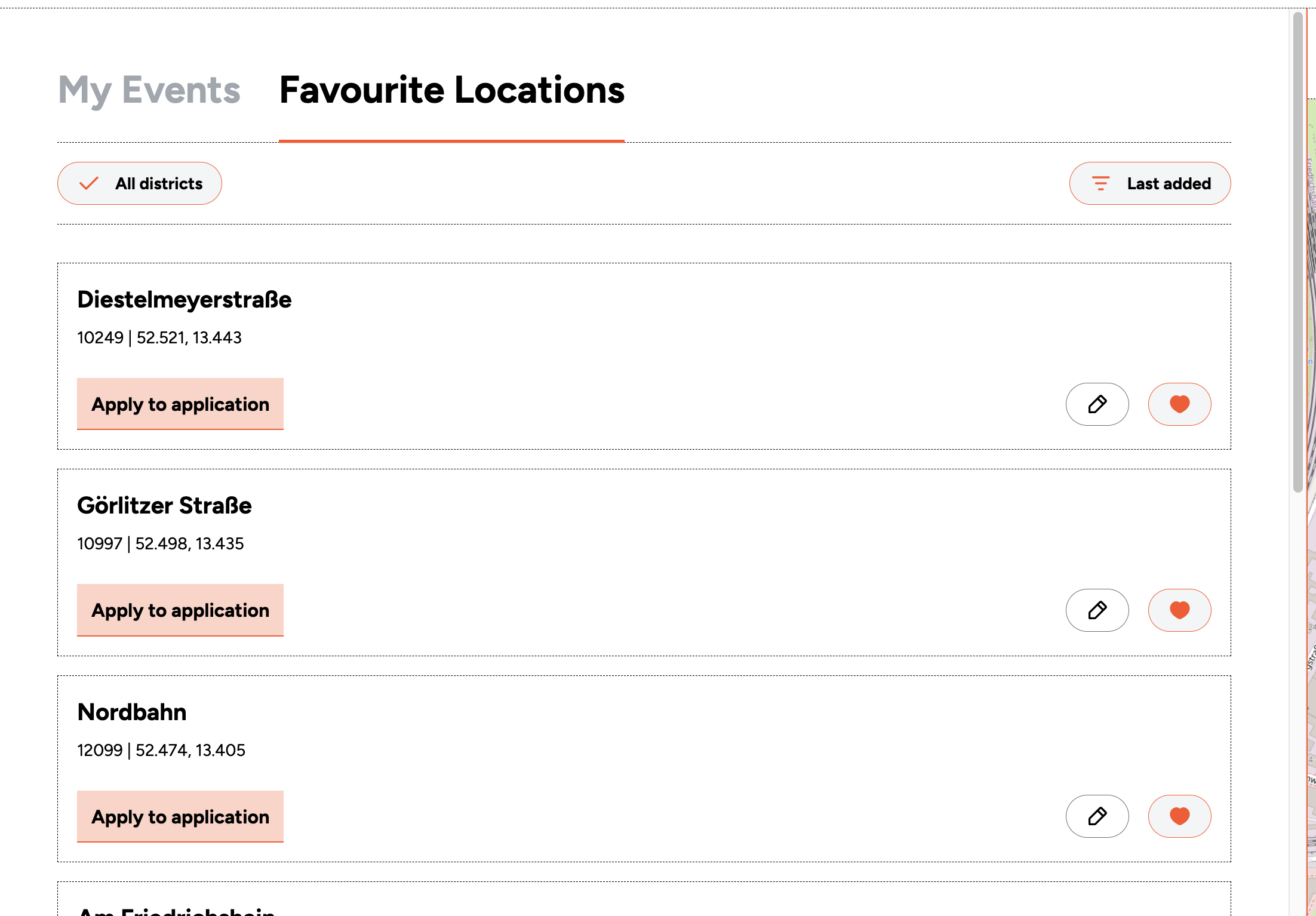
Saved locations can also be displayed on the Space Map using the toggle in the header bar.
Settings
The Settings section contains the saved details for your User Profile – such as your personal and organisation information.
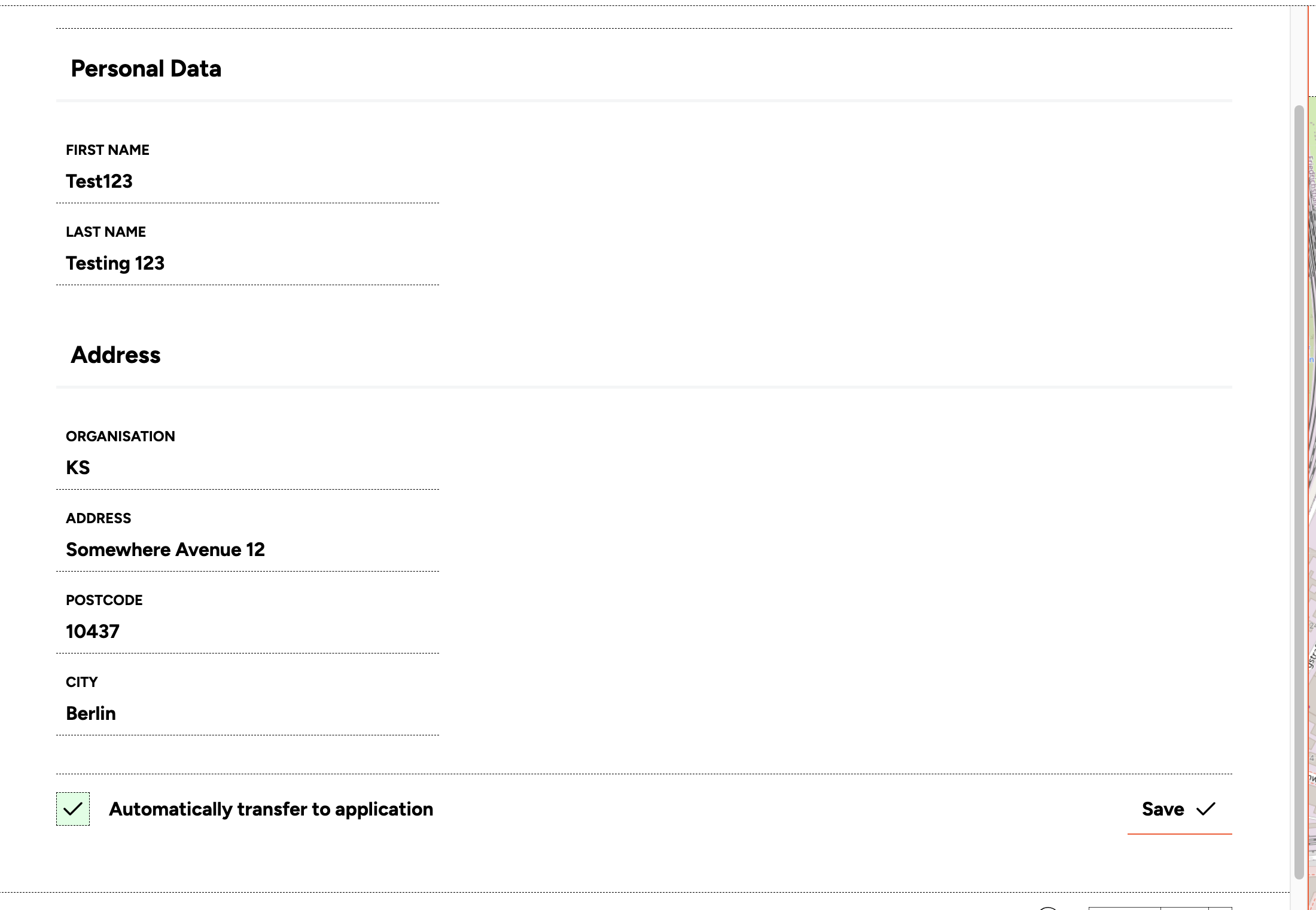
These details can be automatically imported into the Application Assistant for any event you are preparing, so that you do not need to re-enter them each time.